Safe online shopping: tips to avoid scams
Online shopping has become part of everyday life. It’s quick, convenient and often cheaper.
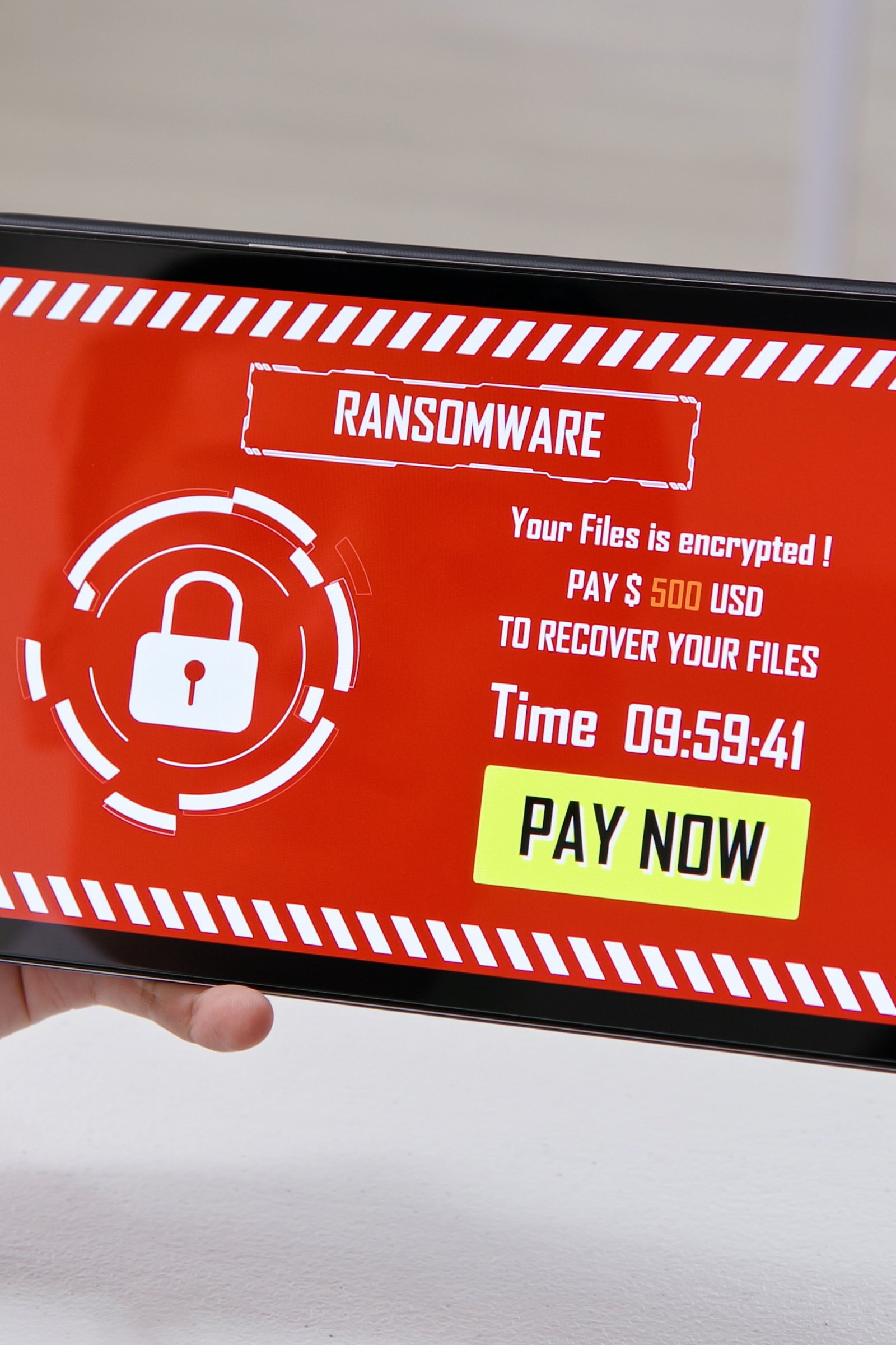
But it’s also fertile ground for fraud, fake sites and phishing schemes. One click on the wrong shop can cost you money — or even your personal data.
The good news? With a few simple precautions, you can shop online with confidence and security.
1. Check the site is legitimate
Before entering your card number, make sure you’re really where you think you are.
- The address should start with https:// (the “s” means a secure connection).
- Confirm the site name is correct — avoid small variations like amaz0n.com or uk-store-amazon.shop.
- Search the shop’s name on Google and look for reviews or complaints.
If a site looks too good to be true, it probably is false.
2. Use virtual cards or secure payment methods
Avoid entering your main card number directly.
- Use temporary virtual cards (available from many banks and apps).
- Prefer PayPal, MB Way or other methods that don’t expose your card details.
- Avoid direct bank transfers to unknown sellers.
These methods limit the risk if something goes wrong.
3. Be wary of miracle promotions
If you see an iPhone at half price or branded trainers for €20, pause for a second.
Criminals exploit the impulse of “great bargains” to lure victims.
Compare prices across several sites and confirm the shop is well-known.
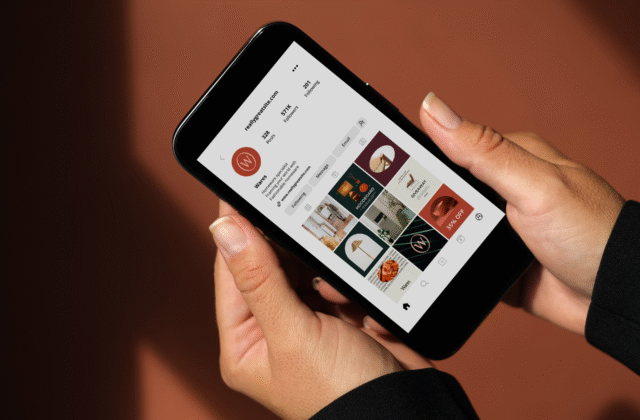
4. Never click promo links sent by email or social media
Fraudsters send fake ads that lead to fraudulent sites.
Instead of clicking, type the address manually in your browser or use the official app.
It’s the simplest way to avoid phishing disguised as advertising.
5. Check the shop’s policies
Before paying, read:
- Returns policy — fake shops usually don’t have one.
- Real contact details — physical address, phone number, corporate email.
- Delivery terms and shipping times.
Legitimate shops are transparent and have clear contact channels.
6. Protect your device and data
Even on legitimate sites, danger can be on your side.
- Keep your operating system and browser updated.
- Use anti-virus and avoid public Wi-Fi for purchases.
- Never save passwords or card details automatically on shared computers.
Conclusion
Online shopping is safe when you know what to look for.
With these six tips — verifying the site, using virtual cards, being sceptical about promotions and protecting your device — you can shop with confidence.
Remember: the best bargain is security.