Phishing: 7 signs to spot fake emails and SMS before you click

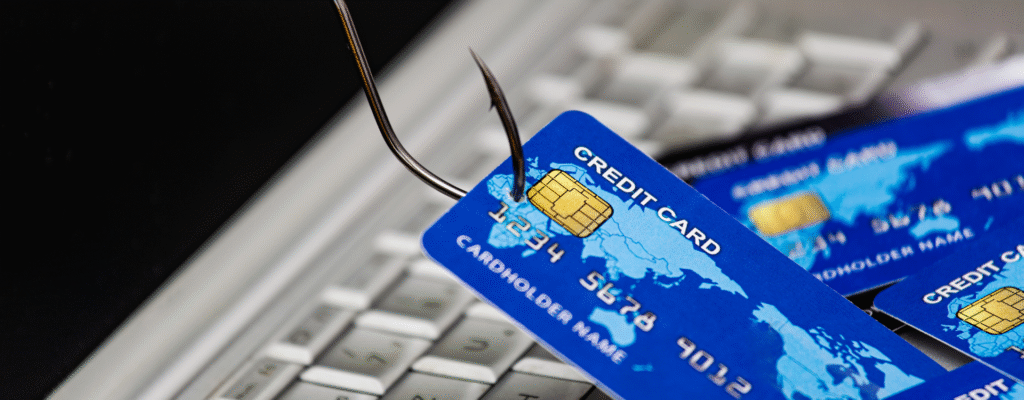
Every day, millions of people receive messages that look legitimate — from banks, postal services, tax authorities, online shops or even social networks.
But many of these messages are fake. This is phishing: attempts to trick you into handing over passwords, bank details or installing malware.
Fortunately, there are simple signs that help you recognise when something’s not right. Here are the top 7
1. The sender looks odd
Always check the email address or phone number.
It may look legitimate at first glance but contain small differences:
- @bank.uk → fake: @bank-secure.uk
- Postal service (Royal Mail) → fake: message from a foreign or unknown number/short code.
Golden rule: if in doubt, don’t trust it.
2. Urgent or alarmist tone
Criminals want you to act quickly without thinking.
Phrases like “your account will be blocked”, “payment pending” or “confirm within 24 hours” are classic phishing.
No serious organisation threatens customers by email or SMS.
3. The link looks suspicious
Hover your mouse (without clicking) or long-press on mobile: the real address appears.
If it doesn’t match the official site, don’t click.
Shortened links (bit.ly, tinyurl, etc.) can also hide malicious destinations.
4. Poor language or clumsy formatting
Fake emails often have grammar mistakes, blurry logos and awkward phrasing.
Legitimate companies review their communications carefully.
5. Requests for personal or banking data
No bank, company or public body asks for codes, passwords or card details by email/SMS.
If the message asks for this, it’s fraud.
6. Suspicious attachments
Never open attachments like .zip, .exe or .html from unknown senders.
They may contain viruses or scripts that steal data
7. Be sceptical even if it looks real
Attackers are creative — they mimic logos, language and addresses of real organisations.
When in doubt, don’t click. Go directly to the official website by typing the address yourself.
What to do if you clicked a suspicious link
- Turn off Wi-Fi or mobile data.
- Don’t enter any information in forms.
- Immediately change passwords for affected accounts.
- Check for unknown apps or extensions.
- Run a full anti-virus scan on the device.
Conclusion
Phishing works because it exploits trust and distraction.
Now that you know the signs, you’re better prepared to recognise and avoid these traps.
Remember: when something feels too urgent, it’s a sign to pause and think.
Security starts with attention.